
Tech UGC is transforming how consumer apps boost conversions, with campaigns delivering a 29% boost in web conversions. 92% of consumers prefer the authenticity of user-created content over polished brand ads. UGC for tech companies has become essential, especially when UGC on product pages increases conversion rates by 4.6%.
We've created a practical 30-day pilot plan to help app growth and marketing teams launch their first tech UGC campaign. This piece covers everything from finding the right tech UGC creator to measuring results.
What is Tech UGC for Consumer Apps
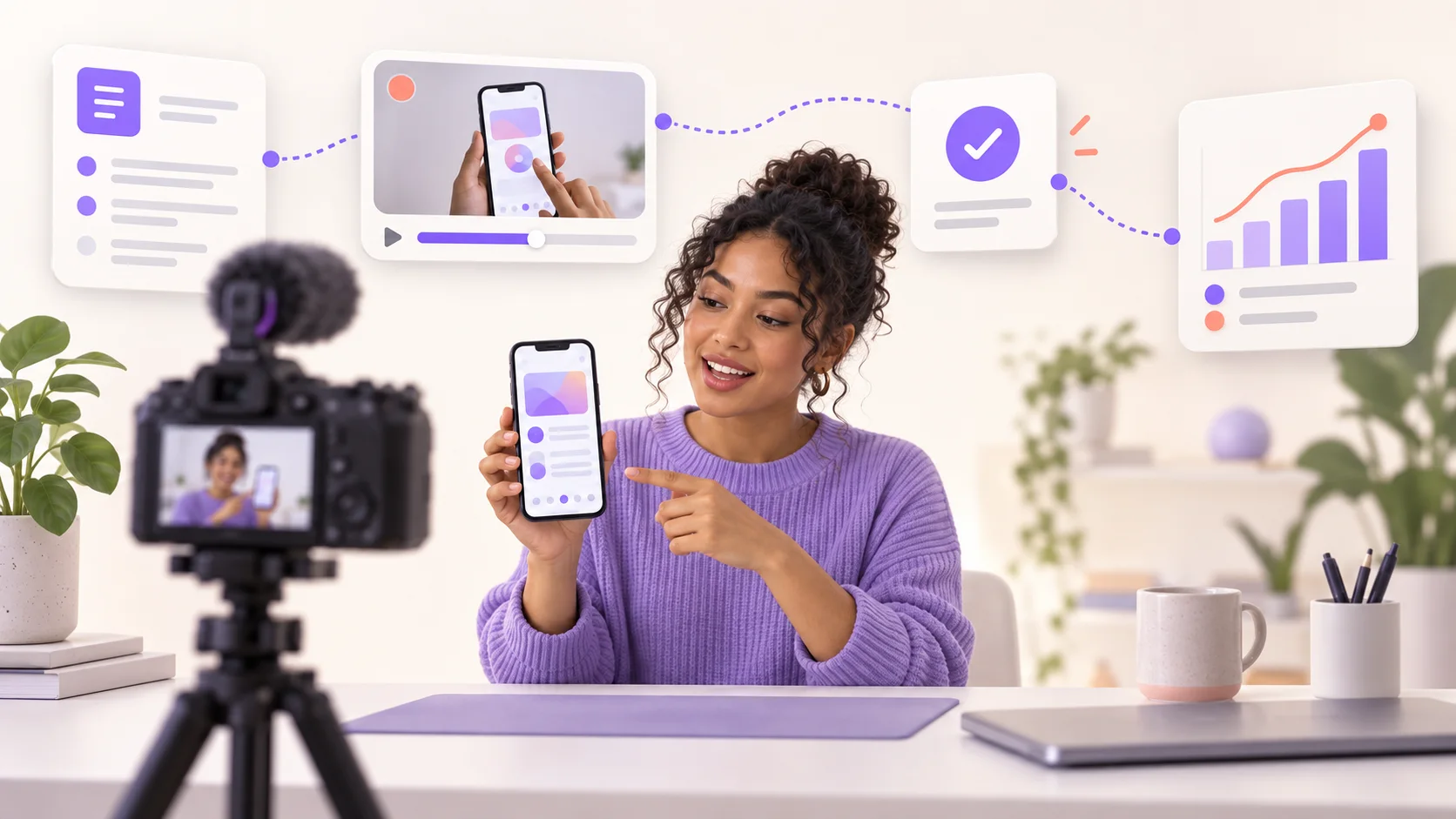
Defining Tech UGC
Tech UGC refers to creator-made video content that demonstrates software, apps, AI tools, and consumer tech products in action for brand campaigns. A creator records themselves opening an app, walking through features, or solving problems. Brands run that footage on paid ads and owned channels. Tech UGC must teach, unlike beauty or lifestyle content that sells a feeling. Viewers need to understand what a product does before they download or make a purchase.
The format combines screen recordings, voiceovers, tutorials, and authentic reactions in short vertical videos. Creators film themselves navigating an onboarding process and demonstrating workflows. They show measurable outcomes on screen. The hook makes the practical difference. Tech content must communicate a use case in the first three seconds rather than an esthetic. Creators need enough technical fluency to demo the product without fumbling. Screen capture often matters more than the creator's face.
Tech UGC spans multiple product categories. SaaS platforms like project management tools and email marketing software require walkthrough demonstrations. Mobile apps need screen-recorded tutorials showing taps and immediate results. This includes productivity and finance trackers. Desktop software such as video editing programs demands on-screen outcome demonstrations. Physical tech devices like smartwatches and wireless earbuds work best when creators document integration into daily routines.
Why Tech Apps Need Different UGC Approach
A tech product asks for more commitment than physical consumer goods. Downloading an app, starting a trial, or entering payment information carries friction that polished studio content clears nowhere near as often. Viewers discount brand video as advertising before the value registers. Creator demonstrations close that gap by showing a real person getting a result. The purchase feels lower risk when someone watches another user move through onboarding and reach the payoff.
The numbers support this approach. UGC drives conversion rates 79% higher than brand content for tech products. The performance case sharpens for apps and SaaS because a creator walkthrough proves your tool does what screenshots claim in one watch. Tech brands rely on UGC less for reach and more for proof.
Digital products need to make an invisible offer feel concrete. The winning formats accomplish this by showing the workflow on screen and narrating what happens. They finish with an outcome viewers can see rather than a claim they must trust. Tech purchases tend to involve more research and comparison than impulse buys. Content needs to serve different purposes at various decision-making stages.
Tech UGC vs Traditional UGC Content
General UGC creators showcase beauty products or fitness gear through esthetic appeal and lifestyle integration. Tech creators act as both users and educators. They help demystify tools that might otherwise seem complicated. The logistics differ as well. Physical products require shipping to creator locations, but tech content involves login credentials or download links instead. Turnaround times are faster.
Canvas UGC describes how content gets posted and compensated. Creators post to brand-owned accounts niched to target audiences in a Canvas program. They earn per view instead of per deliverable. Canvas setups include base pay plus additional compensation based on view counts. Tech UGC through Canvas models provides both content that teaches the product and a structure handling volume on accounts brands control.
Your 30-Day Tech UGC Pilot Plan
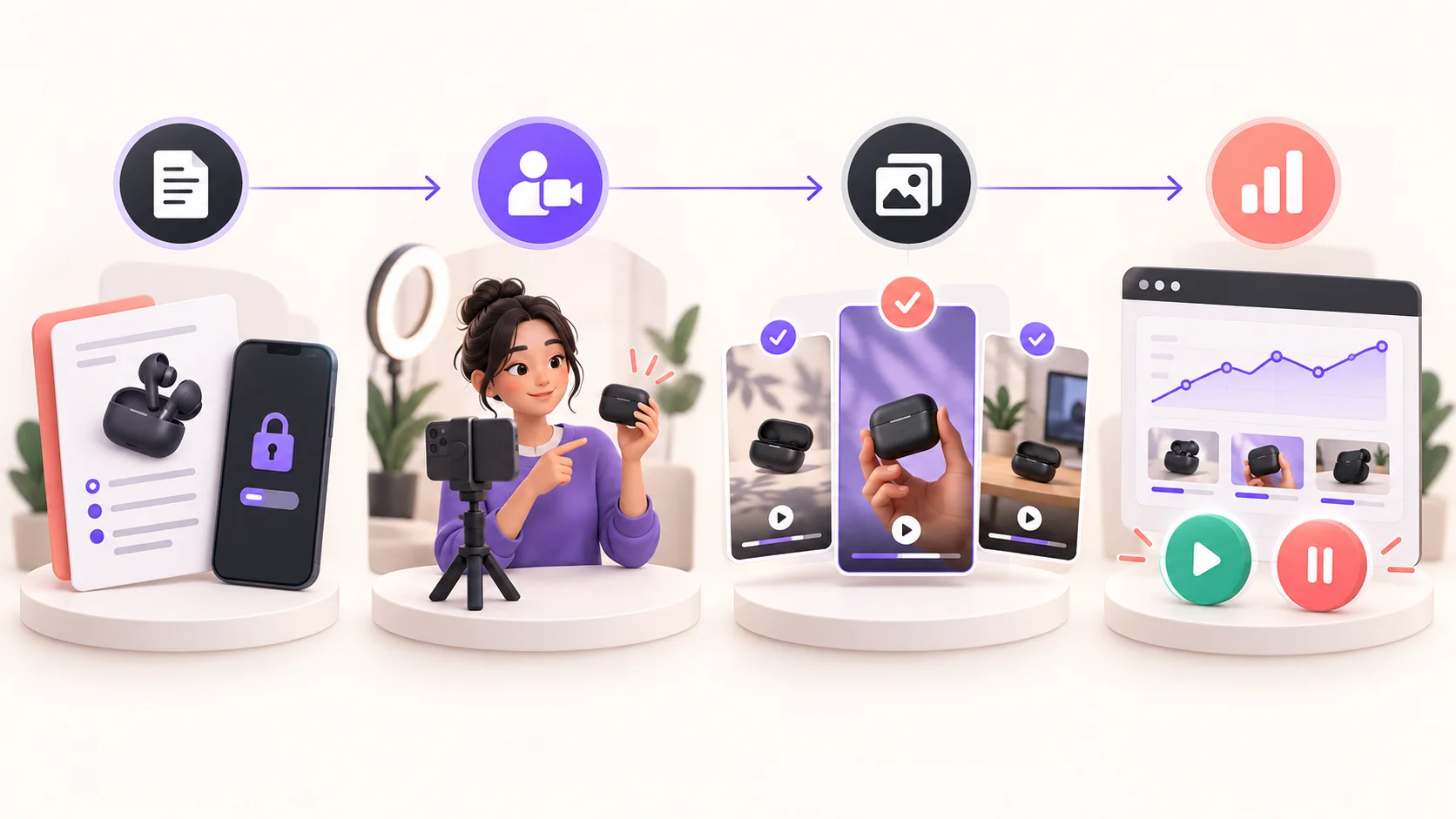
A structured timeline prevents common pilot failures. Successful campaigns run 3-4 weeks for optimal results, with week one building awareness, week two driving peak participation, week three maintaining momentum, and week four providing conclusion time. Starting with a 30-day pilot group of 10-50 users allows you to verify UGC quality and performance before wider rollout.
Week 1: Foundation and Creator Outreach
You'll identify tech UGC creators who can demonstrate your app features at the start. Search Instagram for sponsored posts in your category since brands paying for ads maintain active marketing budgets and need fresh content. Visit that brand's profile to check if they post UGC-styled content when you spot relevant ads. This approach saves time and focuses on brands already investing in creator programs.
Follow and participate with potential creators for two to three days before reaching out. Like posts, leave supportive comments, and review their content style. On platforms like TikTok, look for creators posting app demos and screen-share walkthroughs. Tech briefs request screen recordings combined with phone footage, so verify creators can handle both formats.
Keep outreach messages short and direct in DMs, then move to email to negotiate. Your pitch should reference specific products on your site and propose 1-2 content concepts that arrange with the creator's existing style.
Week 2: Demo Access and Brief Distribution
Distribute your product brief and set up secure demo environments. Tech products require login credentials or download links rather than physical shipping, which accelerates turnaround times. Your brief must specify platform requirements, video specs, campaign goals, target viewer demographics, and content format. To cite an instance, briefs should state: Platform TikTok, specs 9:16 vertical at 1080x1920, duration 21-34 seconds, style talking-head testimonial with product demo.
Customized briefs see 3x higher creator acceptance rates. A 15-minute arrangement call before content delivery reduces revision rounds and clarifies expectations upfront.
Week 3: Content Creation and First Reviews
Creators deliver content within 7-10 days after receiving demo access. You'll receive first drafts to review during this phase. Platforms offering unlimited revisions ensure you achieve desired quality, though most creators require minimal edits when briefs provide clear direction.
Track all creator content in a central library to maintain organization. Stories disappear within 24 hours, so live monitoring captures every mention and post before assets vanish.
Week 4: Testing, Optimization, and Results Analysis
You'll run A/B tests on product pages and paid channels. Launch tests with capped budgets and log all content outputs. Track cost-per-asset, creative engagement metrics like watch time and shares, and variant win rates. Analyze which creator styles and formats drive performance, then refine your approach based on data rather than assumptions. Document learnings to inform your next campaign cycle.
Creator Selection and Safe Demo Access
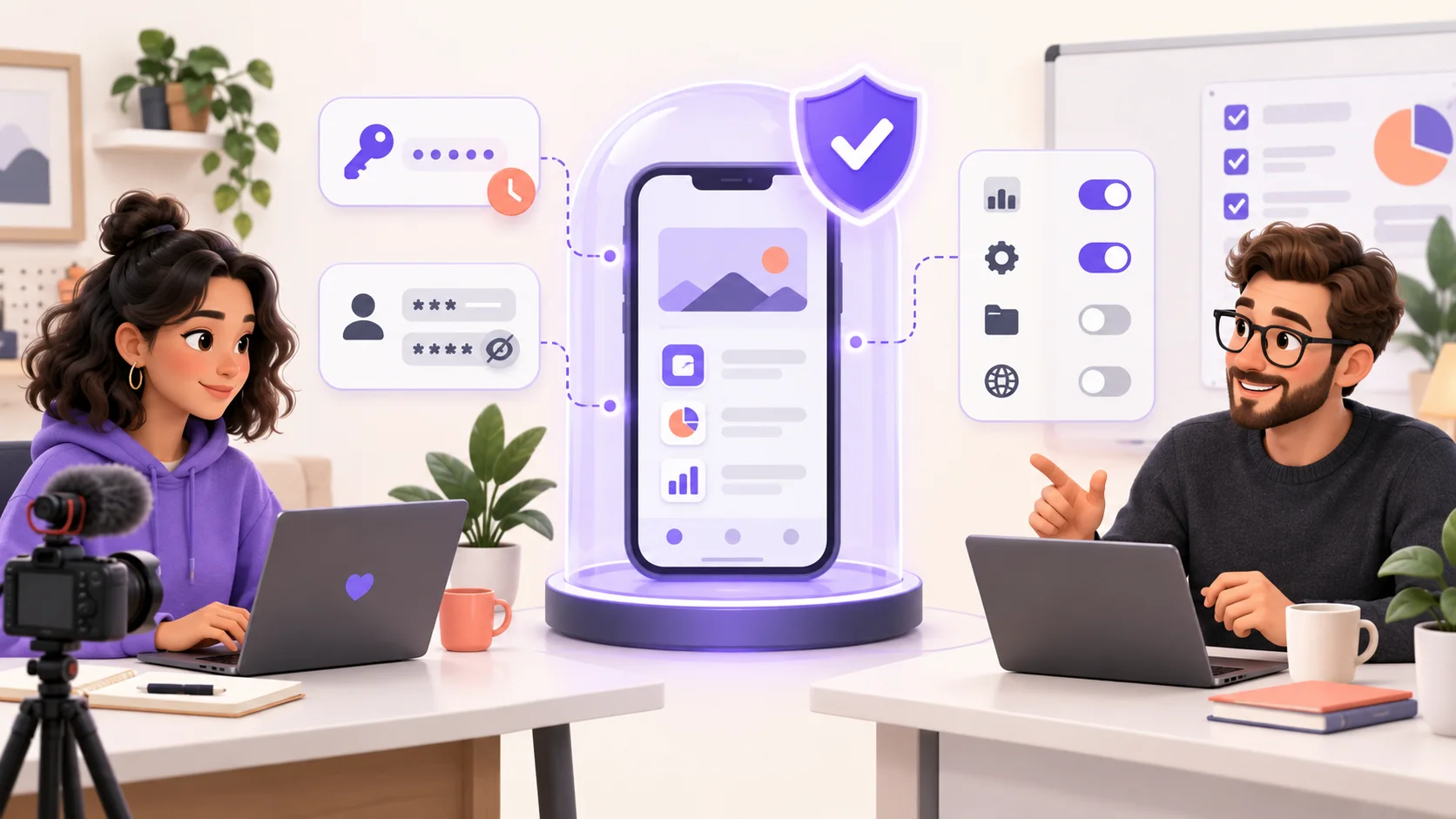
Finding creators who can demonstrate technical products requires filtering beyond follower counts and engagement rates. Influencer marketplaces designed for tech content provide category-specific search tools that narrow results by platform focus, content niche, and past performance data. Filter by technology category and use keyword criteria to surface creators who already produce app walkthroughs and screen-share tutorials at the time you search for tech UGC creators.
Identifying the Right Tech UGC Creators
Platforms offering data-backed creator matching predict fit based on past outcomes and performance metrics. Recommended creators surface with at-a-glance views of prior results. You can hire with confidence before committing budget. Brief-to-creator pairing through these systems sets each concept up to win by matching product requirements to creator strengths.
Sourcing channels affect cost, speed, and content authenticity. Creator platforms provide the fastest route with built-in infrastructure. Manual social media discovery takes high effort but surfaces top talent. Existing customers represent the most underused sourcing channel and deliver higher authenticity because they already use your product on a regular basis. Open application forms work best once you have an established audience to promote them. Forms sit empty without traction.
Vetting Creators for Tech Content
Brand safety screening prevents reputation damage before partnerships begin. Research shows that roughly 1 in 4 influencers pose most important risks. Some have potential to damage brand reputation severely. Vetting services identify all social media accounts associated with creators and flag damaging content including text, images, reposts, likes, comments, and videos. Trained investigators then review flagged content and summarize findings for brand teams.
A structured vetting workflow uses four automated filter layers:
- Audience composition analysisto verify follower legitimacy and demographic alignment
- Engagement quality checksto detect suspicious patterns like inflated metrics or bot activity
- Brand safety screeningfor discriminatory, hateful, extremist, violent, or sexually explicit content
- Performance history reviewto assess past campaign results and content consistency
Creators with suspicious engagement ratios, past growth spikes showing manipulation, or inconsistent cross-platform presence get flagged or rejected. Screening found misconduct in 47% of reviewed creators.
Setting Up Secure Demo Environments
Run product demos exclusively in isolated, non-production environments to prevent any effect on live systems. Demonstrations within dedicated environments completely separate from production systems and staging servers will give activity within the demo no access to live infrastructure. Replace or obscure all sensitive customer data, proprietary algorithms, and internal configurations before any demo.
Grant only minimum permissions aligned with the demo's scope. Implement strict access controls for both the demo environment itself and features available within it. Only authorized personnel should manage demo setup. Users should receive permissions relevant solely to showcased features and avoid administrative privileges. Audit demo environments by reviewing access logs and checking for unauthorized changes on a regular basis.
NDA and Compliance Requirements
Non-disclosure agreements protect unreleased product details and proprietary strategies from exposure. IP theft costs the U.S. economy up to USD 600 billion annually, with creative industries absorbing much of the damage. A properly structured NDA must define confidential information precisely, specify obligation duration, outline permitted and prohibited uses, and detail breach consequences. Contracts may prove unenforceable without these four pillars.
You just need consent to use material from creators and usage conditions must remain clear for both parties. Professional creators expect some degree of contract review and markup from legitimate brands.
Brief Development and Approval Workflow
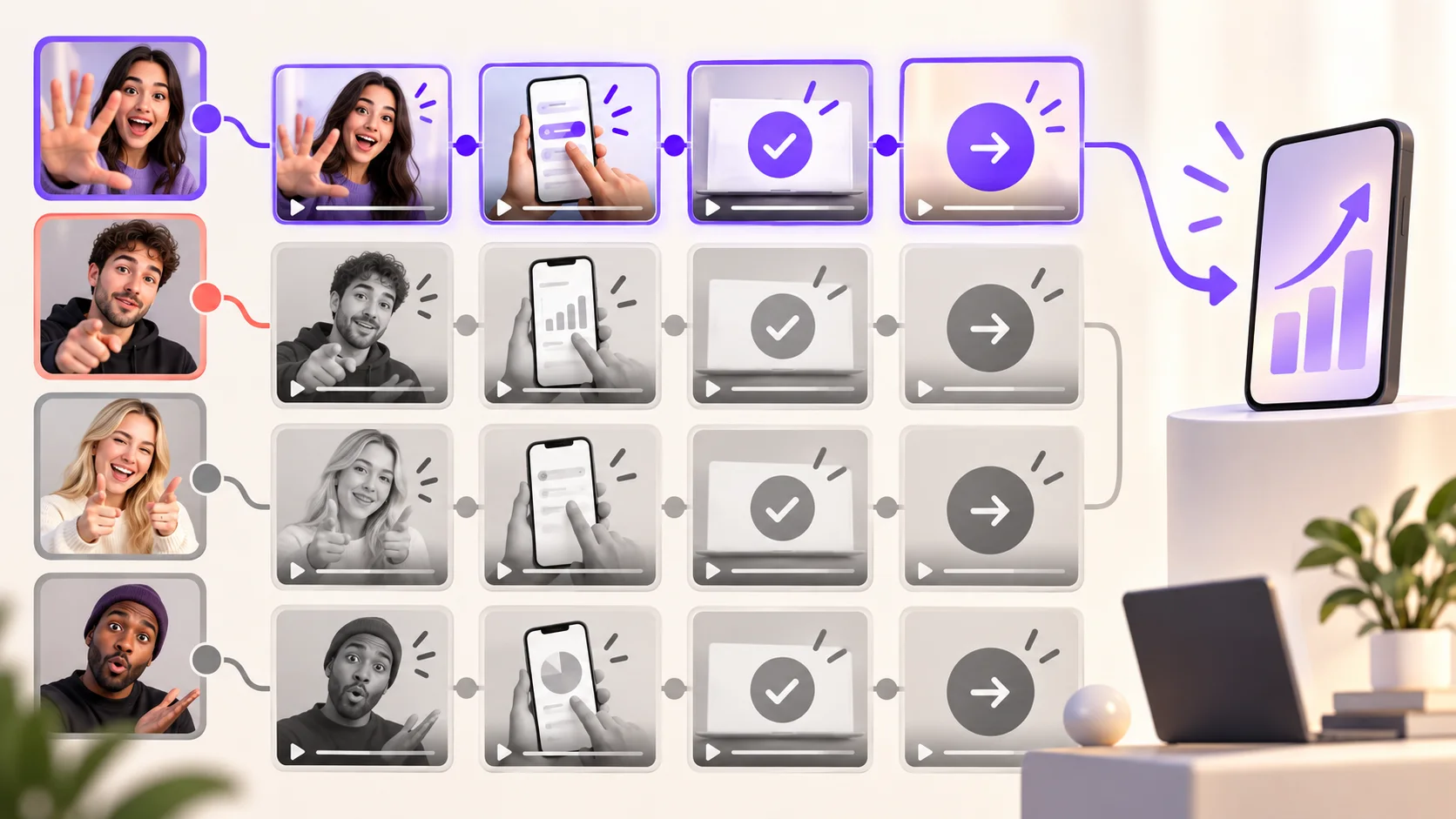
Briefs determine whether tech UGC campaigns produce usable content or wasted budget. Brief quality makes the difference between high-performing content and material you cannot run. Two common failures kill results: full scripts that strip authenticity, or vague direction that leaves creators guessing. Your brief must provide structure without control.
Creating Effective Tech Product Briefs
A complete brief takes 15-20 minutes to create and saves 1-3 revision cycles, cutting 2-9 business days from production timelines. Keep briefs to one or two pages maximum. Creators skim long documents. Multi-page briefs signal unclear objectives.
Your brief should cover campaign overview with product benefits and target audience, 3-6 hook options based on what performs already, format and length requirements, tone guidance in three words maximum, reference videos for calibration, brand-specific do's and don'ts, plus deliverables and timeline. Examples for tone include "casual, honest, relatable" or "direct, confident, informative". Request RAW footage rather than finished edits. This keeps output flexible for hook testing, cut variations and different placements.
Content Guidelines for App Features
Tech product briefs must specify the single feature or workflow the video needs to demonstrate, not the whole product. A 20-second store preview and a 90-second landing page explainer require different approaches. Include the actual problem the app solves, written as users would describe it out loud. This becomes your opening beat. Point to two or three reference videos so review discussions stay aligned. The structure most strong tech UGC examples share: open on the problem, show the interface in motion, keep runtime between 30 seconds and two minutes, end with one clear action.
Approval Process for Tech UGC
One reviewer should own the approval decision. Each additional reviewer adds revision cycles without proportional quality gains. Secondary reviewers provide input to that reviewer, not to the creator. The decision owner combines feedback into one coherent set of comments. Set a 24-48 hour turnaround as your service-level agreement. Approval sinks to the bottom of inboxes without deadlines.
Revision Cycles and Feedback Loops
Standard agreements should limit revisions to 1-2 rounds. Additional edit requests should incur fees. Categorize feedback as blocking issues requiring re-review, important issues needing fixes without re-review, or optional suggestions left to creator discretion. This approach reduces re-review cycles by 30-50%. Combine all stakeholder comments before sending one complete response. Multiple separate feedback rounds create conflicting instructions.
Cost Structure and Measurement Framework
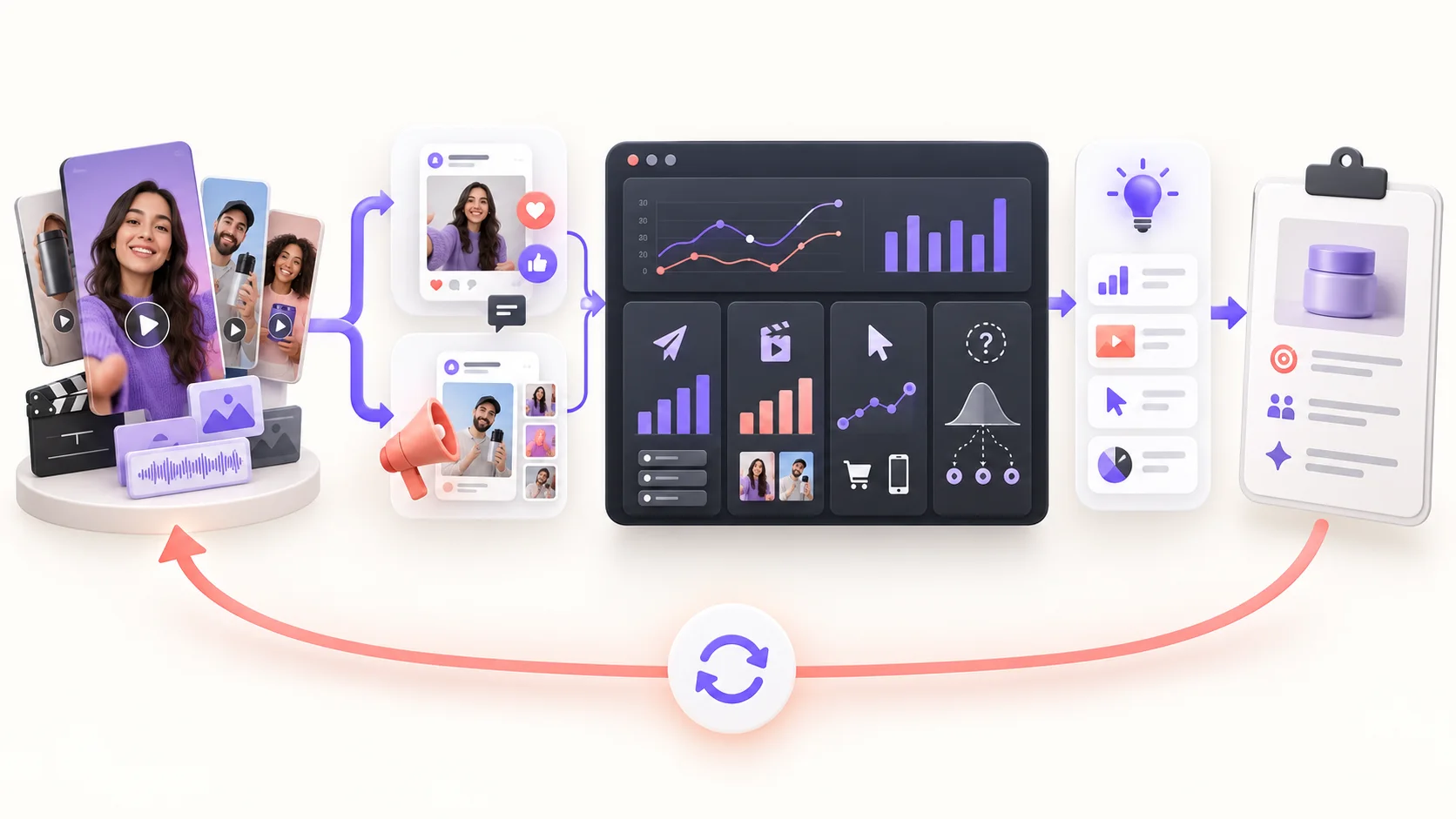
Budget Categories for Your Pilot
Plan for four cost layers beyond creator payments. Creator fees run USD 150 to USD 300 per video for tech content. Usage rights add 30-50% when you need paid ad distribution. Platform subscription fees range from a few hundred to several thousand each month. Internal team hours represent actual costs even without invoices and cover brief creation, review cycles and campaign coordination.
Original Video Creation vs Paid Placements
Content production and media spend operate as separate budget lines. Brands spend USD 43.90 billion on creator marketing, and 55% goes to running creator content as ads rather than making it. The biggest line item sits in media, not talent.
Paid Creators vs Paid Distribution Costs
Allocate 1x to 3x your production budget for distribution. A USD 10,000 video without promotion reaches nobody. The same asset with targeted spend gets measurable results.
Success Metrics and Measurement Limits
Track production metrics like content costs and time to publish. Performance metrics such as CPA and ROAS matter too. Cost per acquisition and return on ad spend verify profitability over time.
What Not to Expect from a 30-Day Pilot
Winners emerge from just 5 to 10% of tested creatives. A single month produces a data point, not a learning curve. Test volume before you can identify patterns.
Conclusion
You now have a complete roadmap to launch your first tech UGC campaign. Note that tech content succeeds when creators demonstrate workflows rather than polish esthetics. Your 30-day pilot provides the structure to test creator partnerships and measure ground performance data.
Expect to test volume before patterns emerge. Only 5 to 10% of tested creatives become winners, as I have shown, so treat this pilot as your first data point rather than a final verdict. Start small and document learnings. Scale what works. Claims and standards mentioned require editorial verification before making budget decisions.